Whittier       

You are not logged in. (Login)
Skip My Courses

My Courses

Enroll in another course
Skip Courses

Courses

Skip RSS Feeds for Education

Site news

Picture of Kathy Filatreau
Summer Interim Schedule
by Kathy Filatreau - Monday, May 13, 2013, 05:22 PM
 
Faculty and students needing access during "closed but accessible" hours are instructed to ring the bell at the service door located to the east of the main entrance.


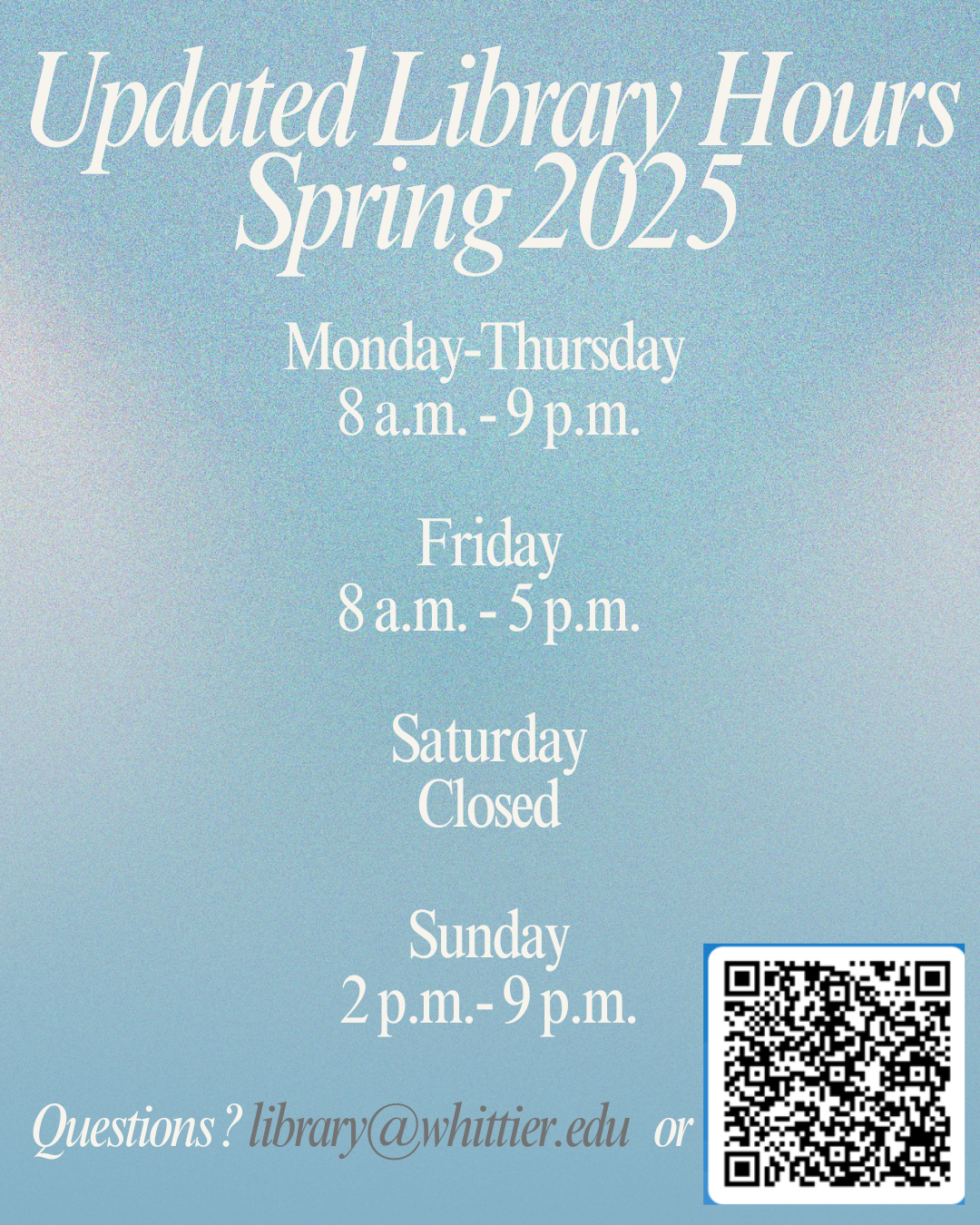
Summer Interim Schedule:


Interim Hours


Tues - Fri
May 14 - 17
Closed (ring bell at service door)

Sat - Sun
May 18 - 19
Closed

Mon - Fri
May 20 - 24 Closed (ring bell at service door)

Sat - Mon
May 25 - 27
Closed (Memorial Day)


Summer Schedule:


Tuesday, May 28 - Tuesday, Sept 3: Mon-Fri 10:00 am to 4:00 pm closed weekends and July 4.
Picture of Kathy Filatreau
Turnitin Plagiarism Education Week - watch the video
by Kathy Filatreau - Wednesday, May 1, 2013, 11:28 AM
 
Click below... then scroll down to watch your video of choice.

Plagerisim Videos
Picture of Kathy Filatreau
Moodle 2 is coming!
by Kathy Filatreau - Tuesday, April 16, 2013, 04:32 PM
 
Upgrade to Moodle 2 for Fall 2013
Whittier College will upgrade to Moodle 2 for the Fall 2013 semester and we are excited to share with you some of the new and improved features!

The upgrade will NOT happen until the Spring semester has ended and grades have been locked into the Registrars database.

Training workshops will be scheduled every week throughout the summer beginning as soon as the upgrade has been announced. One-on-One training can also be scheduled.

Instructors with summer classes will receive help and support as they manage their class.

We will be upgrading to Version 2.3 which offers exciting improvements. Teachers and students will benefit from features such as:

  • Activity tracking
  • Conditional activities
  • Improved text editing features
  • Rubric grading

and more... Read about the improvements in Moodle 2.3


Picture of Kathy Filatreau
Turnitin integrated with Moodle!
by Kathy Filatreau - Thursday, February 21, 2013, 02:37 PM
 
turnitinTurnitin is plagiarism identification software which enables students to check their work for improper citation or potential plagiarism.

Manuals and Best Practice Workshops for using Turnitin through Moodle:

For faculty: For students:
Picture of Kathy Filatreau
Files folder in Admin block is visible to Teacher, not to Student
by Kathy Filatreau - Tuesday, October 19, 2010, 08:20 AM
 
The Files folder in the Administration block is visible to Teacher and Non-editing Teacher, but NOT visible to Students. This allows the teacher to upload all files for the course at one time, then pick and chose the files they want the student to see by making them visible on the course front page.

For a short time this fall there was a permission override that allowed students to see that same file folder in the Administration block. The permissions have been set back to default, which prevents the folder from showing up for students. IF you were using this visible folder to allow students to view files... we can make your Files folder visible on your front page again with the Display a Directory resource.

Should your need this, send an email indicating which class and I'll be happy to make the folder available.

Happy Moodling and stay dry!

Skip Login

Welcome to Poet Moodle! Login with your MyWhittier username and password. If you need help getting started, please contact Kathy Filatreau (562-907-4843) or any librarian in Wardman Library (562-907-4247). For Moodle documentation and support community, visit www.moodle.org.

Skip Main menuSkip Useful LinksSkip Calendar

Calendar

Sun Mon Tue Wed Thu Fri Sat
      1 2 3 4
5 6 7 8 9 10 11
12 13 14 15 16 17 Today Saturday, May 18 18
19 20 21 22 23 24 25
26 27 28 29 30 31  
Skip Online Users

Online Users

(last 5 minutes)
Skip Moodle Gradebook video

Moodle Gradebook video

Flash video(Flash video)